
You want fewer returns and happier buyers when you sell dog harnesses. The right taxonomy and filters help you guide buyers to the best choice for their dog. Always start with use case, clip points, and size. Keep your category tree simple. Use clear labels so buyers know what each clip point does and how sizing works. Give buyers a plain-English guide right at the start.
Key Takeaways
Start your search for a dog harness by considering the use case, clip points, and size. This helps you find the best fit quickly.
Choose a harness type based on your dog’s needs. Options include step-in, overhead, vest, and tactical harnesses, each serving different purposes.
Use clear filters for features like clip points and size when shopping. This makes it easier to compare options and find the right harness.
Always check the product details for safety features and proper sizing. A well-fitted harness ensures comfort and safety for your dog.
Avoid misleading claims on harness labels. Look for clear, honest descriptions that explain what the harness can do.
Dog Harnesses Definition and Purpose
Dog harnesses help you guide your dog on walks or during training. You use a harness to keep your dog safe and comfy while you control movement. Harnesses come in many shapes and styles. They all have the same main purpose: to give you more control than a collar.
Control and Handling
You choose a harness when you want better control of your dog. A harness spreads force over the chest and shoulders. This can make walks easier for you and your dog. Some harnesses have extra handles or different leash clips. These features help you manage pulling or guide your dog in busy places. They can also help with training. Always look for clear instructions on how to use each feature. If you need a harness for a special reason, like helping a dog move, pick products that list that use case.
Tip: Pick a harness based on your main need. Everyday walks, training, hiking, or helping with movement all need different harness features.
What Dog Harnesses Are Not
A harness does not make your dog stop pulling or behave perfectly. It does not replace training or fix every problem. Some harnesses have labels like “no-pull” or “safety,” but these claims need proof and approval. You should read product details closely and not expect results that are not proven. Harnesses are not made to lift dogs unless the product says it is tested for lifting.
Feature | What It Does | What It Does Not Do |
|---|---|---|
Front Clip | Helps redirect pulling | Does not train automatically |
Back Clip | Good for calm walks | Does not prevent pulling |
Handle | Assists with control | Not always for lifting |
OEM means a company makes products for another company to sell with their name. ODM means a company designs and makes products, then lets another company brand and sell them. These terms help you know who made and designed the harness you buy.
Dog Harnesses Taxonomy Structure
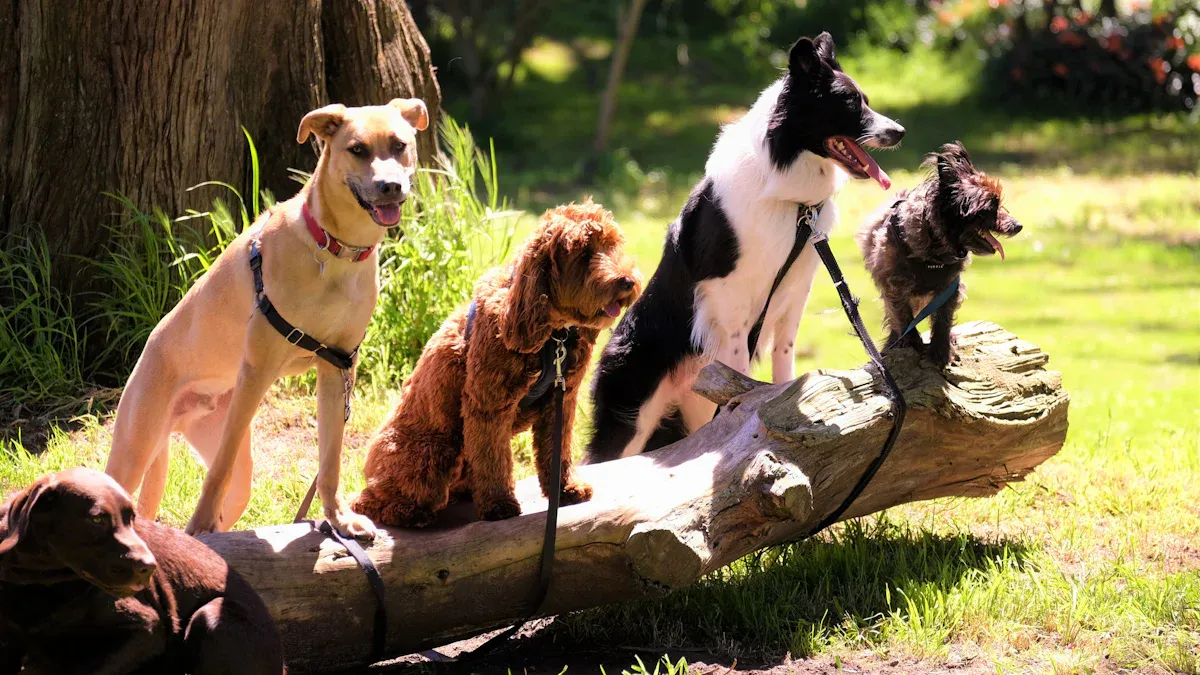
When you shop for a harness, you want to find the right fit for your dog fast. Start by looking at the main category. You see “Dog Harnesses” as the top level. This keeps your search simple and helps you focus on what matters most.
Main Category: Dog Harnesses
You enter the market and see one main category: Dog Harnesses. This category covers every harness type. You do not need to click through many layers. You save time and avoid confusion. This design gives you clear value and supports easy engagement.
Harness Types (Step-in, Overhead, Vest, Tactical)
You pick a harness type based on your pet’s needs and health. Here are the main types:
Step-in: You place your dog’s legs into the harness and pull it up.
Overhead: You slip the harness over your dog’s head.
Vest: You choose this for extra comfort and padding.
Tactical: You select this for working dogs or special campaigns.
Each type has features that match different use cases. You see these options as filters, not deep subcategories.
Use Case Families
You use controlled vocabulary to sort harnesses by use case. This helps you find products for everyday walks, training, hiking, lift assist, or in-vehicle restraint. You select one or more use cases to get personalized results. This approach uses data to improve your insights and campaign planning.
Cross-Tags vs Subcategories
You do not need many subcategories. You use cross-tags for features like clip points, materials, or visibility. This keeps the category tree shallow. You filter by what matters most, not by clicking through many pages. You get better engagement and faster product discovery.
Tip: Use filters for features and use cases. Keep the main category simple. This helps you find the right harness and supports strong B2B campaigns.
Filter Design for Dog Harnesses
Facets vs Filters and Multi-Select
When you shop for a harness, you want to find the right product fast. The best filter design puts the most important choices first. Start with three main facets: Use Case, Clip Points, and Size. These help you narrow down the options based on how you plan to use the harness, where you want to attach the leash, and what size fits your dog.
A good filter system lets you select more than one option at a time. For example, you might want a harness for both hiking and everyday walks. You can check both boxes and see all products that match. This multi-select feature saves you time and helps you compare features side by side.
Tip: Look for filters that show pictures or icons next to each option. This makes it easier to understand what each facet means.
Preventing Zero Results
You do not want to see an empty page after applying filters. A smart filter design always shows you how many products match your choices. If you pick too many filters and get zero results, the system suggests removing one filter or shows the closest matches. This keeps you from hitting a dead end and helps you adjust your search quickly.
Show the number of matching products next to each filter.
Suggest the best next step if no products match.
Use expandable menus to keep the filter area neat and easy to use.
Mobile Filter UX
Many buyers use phones or tablets to shop. The filter design must work well on small screens. You should see clear, easy-to-tap menus. Expandable sections help you find the right facet without scrolling too much. Pictures and simple labels make it easy to pick the right options, even on a small device.
A good mobile filter lets you select multiple options, see results update fast, and never lose your place. This makes shopping for a dog harness smooth and stress-free.
Core Facets: Use Case, Clip Points, Size, Comfort, Safety
When you pick a dog harness, you want it to fit your needs. First, think about how you will use the harness. Check for labels that tell you what each harness is good for. Use the main facets below to help you search. This makes it easier to find the right fit and features for your dog. It also helps you get better results for your campaigns.
Use Case (Controlled Vocabulary)
You choose a harness based on what you plan to do. Use cases help you sort products fast. Here are the allowed choices:
Everyday walk
Training and pull management
Hiking and outdoor
Lift assist and mobility support
In-vehicle restraint compatible
You can pick one or more use cases to find harnesses that fit your needs. This helps you plan campaigns and use data for better ideas.
Note: Always read the product description to see if the harness is tested for special uses like lifting or in-vehicle restraint.
Clip Points (Front, Back, Dual, Handle)
Clip points show where you attach the leash. Each type has its own use. Here are the choices:
Front clip: Leash goes at the chest. Helps with pulling.
Back clip: Leash goes at the back. Good for calm walks.
Dual clip: Has both front and back clips. Gives you more options.
Handle: Top handle for close control. Only use for lifting if the harness is tested for it.
Pick clip points based on how you handle your dog and how your dog acts. This helps you get a harness that works best for you.
Size (Chest Girth, Weight, Adjustment Range)
Size is important for comfort and safety. You want a harness that fits well and can be adjusted. Here are the main ways to size:
Chest girth (around the chest)
Neck circumference
Body length
Weight range
Breed-specific body shape
When you measure your dog, make sure you can fit two fingers between the harness and your dog. This keeps your dog comfy and safe. Look for harnesses that have clear adjustment ranges. Stay away from designs that are too tight or move around too much.
Measurement Type | Importance |
|---|---|
Chest circumference | Makes sure your dog is comfy and can move. |
Neck circumference | Helps the harness fit right and stops chafing. |
Body length | Helps you pick the right style. |
Weight range | Good for dogs whose weight changes. |
Breed-specific body proportions | Makes sure the harness fits your dog’s shape. |
Tip: If your dog is between sizes, choose the harness with the bigger adjustment range. This helps you get a better fit.
Fit and Comfort Features
Comfort is very important for your dog’s health. You want soft padding and materials that let air through. Look for harnesses with straps you can adjust and buckles that are easy to use. These features help you get a good fit and make it easy to put on and take off.
Soft padding on the edges
Mesh that lets air in
Design that fits the body well
Light weight
Pick a harness with comfort features that match your dog’s needs. This helps with long walks and active days.
Materials and Padding
Materials affect how comfy, strong, and clean the harness is. You want harnesses made from tough, safe materials. Padding should be soft and in the right spots.
Harness Type | Material Type | Padding Type | Comfort Features |
|---|---|---|---|
Step-in Air | Soft mesh | Breathable mesh | Stretches to fit your dog, very comfy. |
No Pull Harness | Breathable mesh | Light padding | Good design, keeps your dog cool. |
Web Master | Foam material | Some mesh | Balances comfort and lets your dog move. |
Front Range | Simple design | Comfy padding | Light and lets your dog move. |
No Pull Pet Harness | Simple webbing | Padding in key spots | Focuses on comfort and support where needed. |
You may also want harnesses with webbing that fights germs. Strong materials like ballistic nylon make the harness last longer and add value.
Visibility and Hardware
Safety is important for every dog. Visibility features help keep your dog safe when it is dark. Hardware should be strong and easy to use.
Feature | Contribution to Safety |
|---|---|
Reflective stitching | Makes your dog easier to see in the dark |
Ergonomic design | Helps stop discomfort and injuries |
Y-shaped chest pad | Lowers chest pressure when your dog pulls |
Look for harnesses with reflective stitching and hardware that is easy to use. These features help keep your dog safe and comfy. You get better results when you pick harnesses with strong safety features.
Note: Always check for approval on any label that says the harness does something special. Only trust labels that match tested features.
Dog Harness Sizing Logic
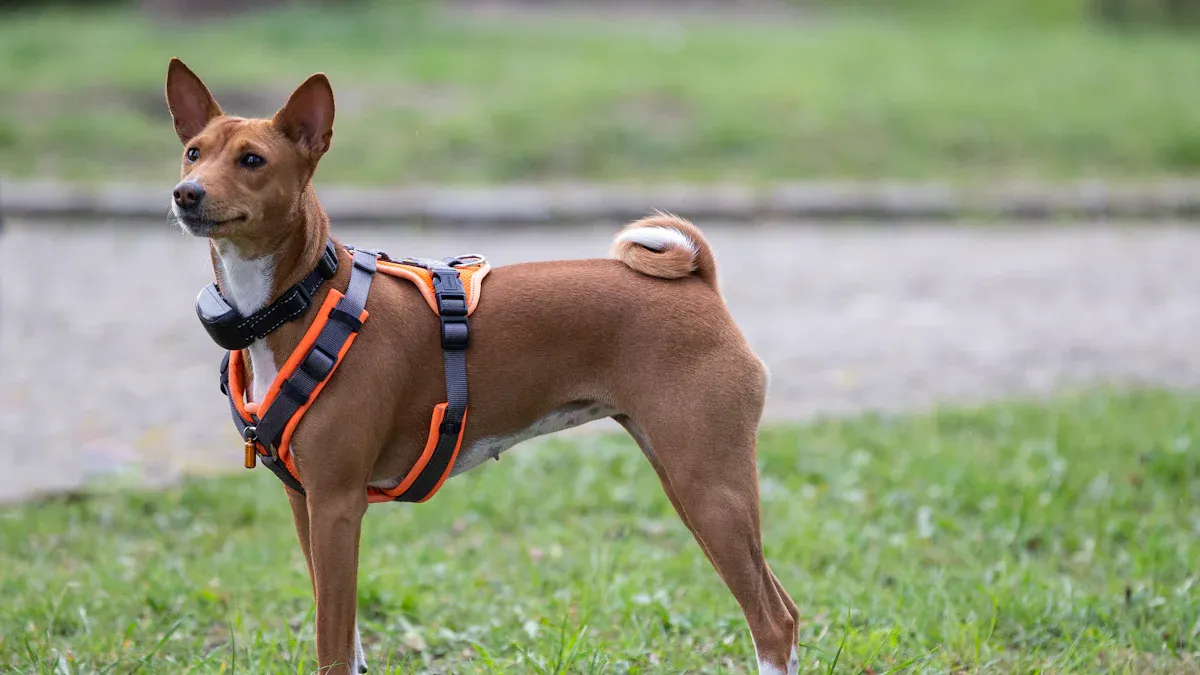
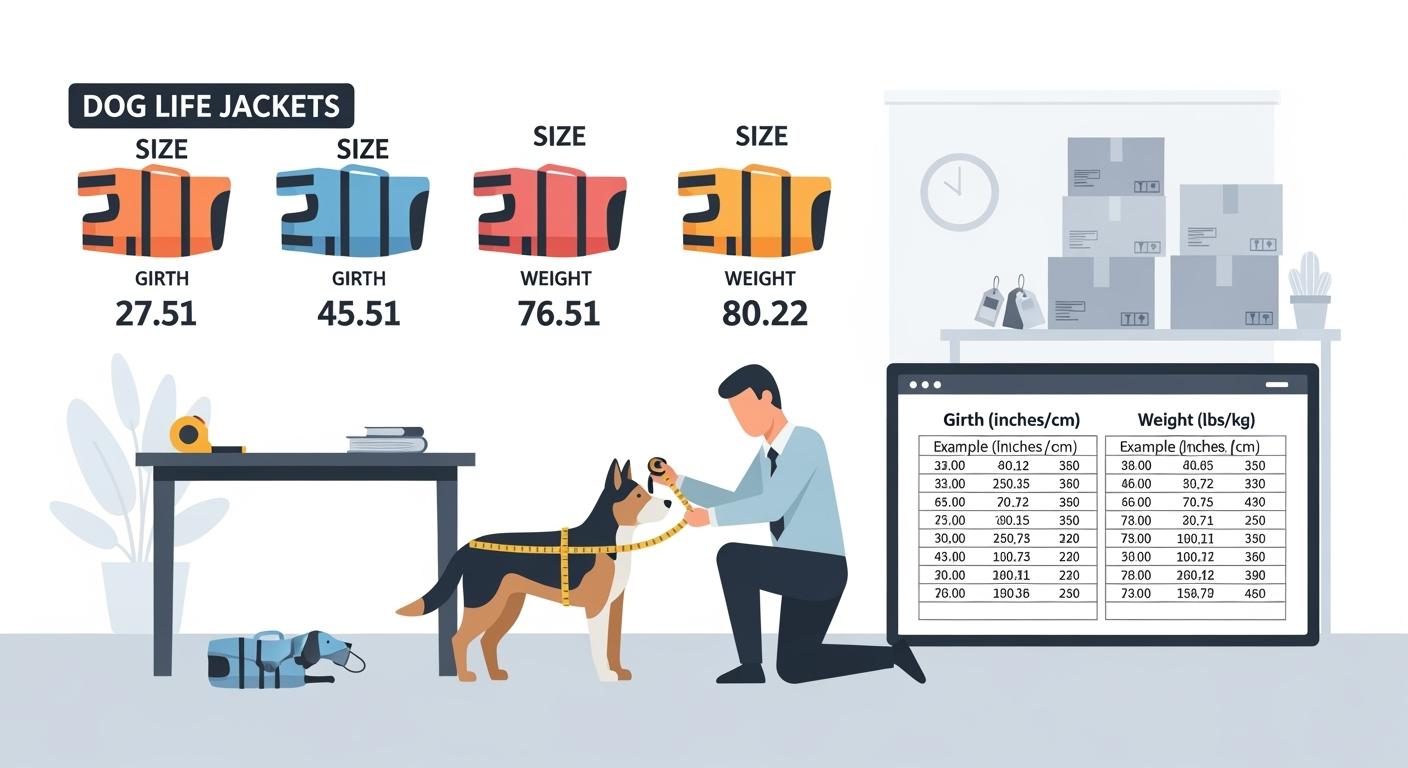
Choosing the right harness size helps your dog stay comfortable and safe. Start by measuring the chest girth. Use a soft tape to wrap around the widest part of the chest, just behind the front legs. Write down this number. Check the product listing for the chest girth range. Most harnesses also show neck range and weight guidance. Always use these numbers to match your dog’s body.
Sizing Inputs (Chest Girth, Weight)
You need two main measurements: chest girth and weight. Chest girth gives the best fit. Weight helps you check if the harness will support your dog. Some harnesses also list neck range. Measure your dog when standing for the most accurate result.
Size Range Display and Overlap
Harness sizes often overlap. You might see two sizes that both fit your dog’s chest girth. Look for a clear size chart. The best listings show ranges in both inches and centimeters. Here is a sample table:
Size Label | Chest Girth Range (in/cm) | Neck Range (in/cm) | Weight Guidance (lbs/kg) | Adjustability Note | Flag Conditions |
|---|---|---|---|---|---|
XXS | 10–14 in (25–36 cm) | 8–10 in (20–25 cm) | up to 10 lbs (4.5 kg) | Chest: 10–14 in (25–36 cm); Neck: 8–10 in (20–25 cm) | Owns lower boundary; no overlap |
XS | 14–18 in (36–46 cm) | 10–12 in (25–30 cm) | up to 18 lbs (8 kg) | Chest: 14–18 in (36–46 cm); Neck: 10–12 in (25–30 cm) | Owns upper boundary; no overlap |
Variant Model (Size, Color, Clip Points)
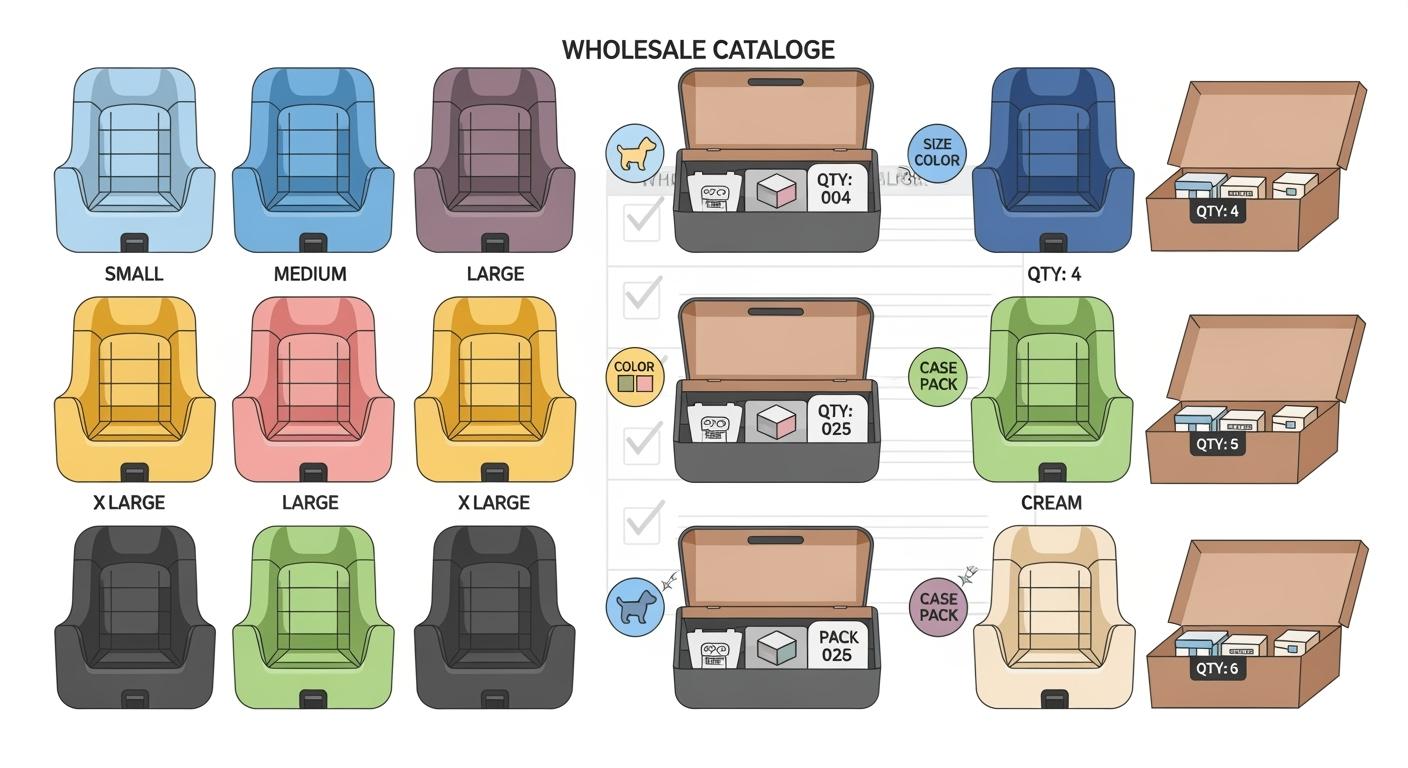
Harnesses come in different sizes, colors, and clip point options. You can pick the size that matches your measurements. Choose a color and clip point that fit your needs. Each variant should show the same sizing chart and adjustment notes.
Dual-Unit Display Policy
Always check for measurements in both inches and centimeters. This helps you compare products easily. Sites should use the same rounding rule for all listings. You see clear numbers and avoid confusion.
If your dog falls between two sizes, try these steps:
Recheck your measurements for accuracy.
Adjust straps for a snug but comfortable fit.
Test different harness designs for your dog’s body shape.
You get the best results when you use the sizing chart, measure carefully, and pick the harness with the widest adjustment range.
Clip Points as Buyer Router
Choosing the right clip point helps you find the best harness for your dog. Each clip point changes how you control your dog on walks or during training. Start by thinking about your main need. Use the table below to compare the main clip point options.
Clip Point Type | Description | Pros | Cons | Best For |
|---|---|---|---|---|
Front-Clip | Leash attaches at the chest. Helps reduce pulling. | Gives you more control over pulling. | May not feel comfortable for every dog. | Dogs that pull on walks. |
Back-Clip | Leash attaches at the back. Simple and easy to use. | Comfortable for most dogs. | Does not help with pulling. | Well-mannered dogs. |
Dual-Clip | Has both front and back clips. | Works for many activities. | Can cost more and be more complex. | Owners who switch between training and casual walks. |
Front Clip: Use and Limits
A front clip harness lets you attach the leash at your dog’s chest. This design helps you guide your dog and can make pulling less strong. You may find it useful for training or for dogs that pull. Remember, a front clip harness does not train your dog by itself. You still need to teach good walking habits.
Note: Always check the fit before each walk. Never leave a harness on your dog all day. This helps prevent chafing or tangling.
Inspect the harness before each use.
Think about getting help from a professional if you are not sure about the fit.
Do not expect the harness to fix all pulling or jumping.
Back Clip: When to Choose
A back clip harness has the leash attach at the back. This style feels simple and comfortable for most dogs. You may want this type for calm walks or for dogs that do not pull. It is easy to put on and take off. A back clip harness does not stop pulling. It works best for dogs that already walk well on a leash.
Not recommended for aggressive dogs.
May not give enough control for strong pullers.
Use for well-mannered dogs.
Dual Clip: Explaining Options
A dual clip harness gives you both front and back leash points. You can switch between them based on your activity. This harness works well if you want to train your dog and also enjoy relaxed walks. You get more options, but the harness may cost more and have extra straps.
Do not use the harness as a fix for all behavior issues.
Long-term use can make your dog depend on the harness.
Always check the harness for wear and tear.
Tip: Consider a dual clip harness if you want flexibility for different situations.
Attribute Schema and PIM for Dog Harnesses
When you make your catalog, you want buyers to find the right harness fast. You need clear product information. First, know which fields you must have and which are extra. This keeps your catalog simple and easy to use.
Required vs Optional Fields
You always need these required fields:
Product name
Main category (Dog Harnesses)
Use case
Clip points
Size (chest girth, adjustment range)
Material
Safety features
Optional fields give more details:
Color
Padding type
Visibility features
Certifications
Special fit notes
Tip: Fill in all required fields for every harness. This helps buyers compare and makes fewer mistakes.
Allowed Values and Normalization
You need your data to be the same everywhere. Use a set list of choices for each attribute. For example, put “Light Blue” and “Sky Blue” under “Blue”. Show all sizes in the same way. Use one unit for weight and measurements, like chest girth in both inches and centimeters. This helps buyers compare harnesses easily.
Give units to all number fields.
Use a set list for words, like color or use case.
Make breed or body shape descriptions the same.
Attribute | Example Allowed Values |
|---|---|
Color | Blue, Red, Black, Green |
Size | XS, S, M, L, XL |
Clip Points | Front, Back, Dual, Handle |
Use Case | Everyday walk, Training, Hiking |
Data QA and Validation
You want your catalog to be right and safe. Check every product for quality. Test harnesses to make sure they are strong and safe. Use materials that are not toxic. Keep test reports for safety rules. Make sure all data matches the product label.
Check that all required fields are filled in.
Look at test results for strength and safety.
Confirm certifications if you list them.
Update records if you change a product.
Quality Assurance Process | Description |
|---|---|
Certified Quality Control | Checks that systems and certifications are in place. |
Rigorous Testing | Tests strength and safety at different stages. |
Manufacturer Transparency | Shares quality control steps and certifications. |
Note: Only use special labels if you have proof and approval. This keeps your catalog honest and easy to use.
SEO and Crawl Control for Dog Harnesses
When you set up your dog harness catalog, you want buyers to find the right products fast. You also want search engines to show only your best pages. Good SEO and crawl control help you reach more buyers in the market and keep your site easy to manage.
Indexable Facets
You should decide which filter options (facets) create pages that search engines can index. Only allow your most important pages to show up in search results. For example, you might let search engines index pages for main use cases or popular sizes. Do not let every filter combination create a new page for search engines. This keeps your site clean and helps buyers find the right harness.
Pick a few main facets to index, such as use case or size.
Keep other filter combinations non-indexable.
Use your data to see which pages get the most visits and focus on those.
Noindex and Parameter Blocking
You can use noindex tags and parameter blocking to control which pages search engines see. This helps you avoid duplicate content and saves crawl budget. Here are some best practices:
Use tools to show which pages should be crawled.
Block crawling of unimportant URLs with robots.txt.
Return a 404 or 410 status for pages you remove.
Remove soft 404 errors to keep your site healthy.
Keep your sitemap up to date with only the pages you want found.
Avoid long redirect chains.
Make sure your pages load quickly.
Check for crawl issues and fix them.
Tip: Managing crawl budget helps search engines focus on your best content.
Canonical Rules
Canonical tags tell search engines which version of a page is the main one. This is important when you have many product variants or filter pages. You want to avoid duplicate content.
Use canonical tags to point all similar pages to the main version.
For product variants, pick one main page and set others to point to it.
For filter pages with the same content, use canonical tags or noindex.
Always point pages with extra parameters to the clean main URL.
A strong canonical setup helps search engines show the right page to buyers and keeps your catalog organized.
Claim-Safe Labels and Governance for Safety
When you pick a harness, you want honest details. Labels and claims can help you choose. But some words can be confusing or make you expect too much. You should know what each label means. This helps you trust the safety features.
High-Risk Terms and Alternatives
Some words on labels sound like promises. These words can confuse buyers or cause returns. Try not to use risky words. Look for clear and true phrases instead.
Guarantees
Crash-proof
Unbreakable
Escape-proof
Injury prevention
Use phrases that tell what the harness does, not what it promises. Safer words are:
Helps reduce risk
Supports comfort
Made for use with seat belt tethers to help limit your dog’s movement in the car
Has strong webbing and hardware for big dogs. It is escape-resistant if it fits right.
These words help you know what the harness can do.
Evidence Checklist
Every safety claim needs proof. Check that each label matches real features and test results. Here are types of proof you can use:
Evidence Type | Description |
|---|---|
Design rationale | Tells how the front attachment changes how the dog moves and why fit matters. |
User instructions | Gives easy steps for fitting and using the harness. |
Field feedback | Shows returns and questions about pulling. |
Test or study linking | Shares notes from studies that support the claims. |
You can trust a harness more when you see this kind of proof.
Approval Flow
You need a clear way to add new filter values or claim labels. Pick one person or team to check and approve each new label. This person looks at the proof and makes sure the label is safe. Only add new claims or features after approval. Keep a record of who approved each label and when. This helps keep your catalog honest and easy to update.
Note: Always ask for proof before adding a new claim. This keeps buyers safe and your standards high.
You help buyers and get fewer returns by making dog harness categories and filters easy to understand. First, think about use case, clip points, size, comfort, and safety. Make product pages that show features and health benefits clearly. Use facts and what you learn to make campaigns that fit buyers better. Check your categories, list important details, and keep checking your system to make your campaigns work well.
FAQ
How do you measure your dog for a harness?
Wrap a soft tape around the widest part of your dog’s chest, just behind the front legs. Write down the number. Check the harness size chart for the best fit.
What is the difference between front and back clip points?
Front clip points help you guide your dog and may reduce pulling. Back clip points work well for calm walks and easy control. Choose based on your dog’s walking style.
Can you use one harness for multiple activities?
You can use some harnesses for different activities if they have features like dual clip points or adjustable straps. Always check the product details to see which activities the harness supports.
Why do harness sizes overlap?
Harness sizes overlap to help you find a better fit. If your dog falls between sizes, pick the harness with the wider adjustment range. This helps you get a comfortable fit.
What safety features should you look for?
Look for reflective stitching, strong hardware, and soft padding. These features help keep your dog safe and comfortable during walks or training.